Introduction
Uploading files one at a time is tedious. It gets worse when each one needs its own settings configured individually.
Bulk resource upload lets you upload multiple files at once and apply settings across all of them in a single step. You skip the repetitive admin work and end up with a cleaner, more consistent resource library.
What’s New: Resource Bulk Upload
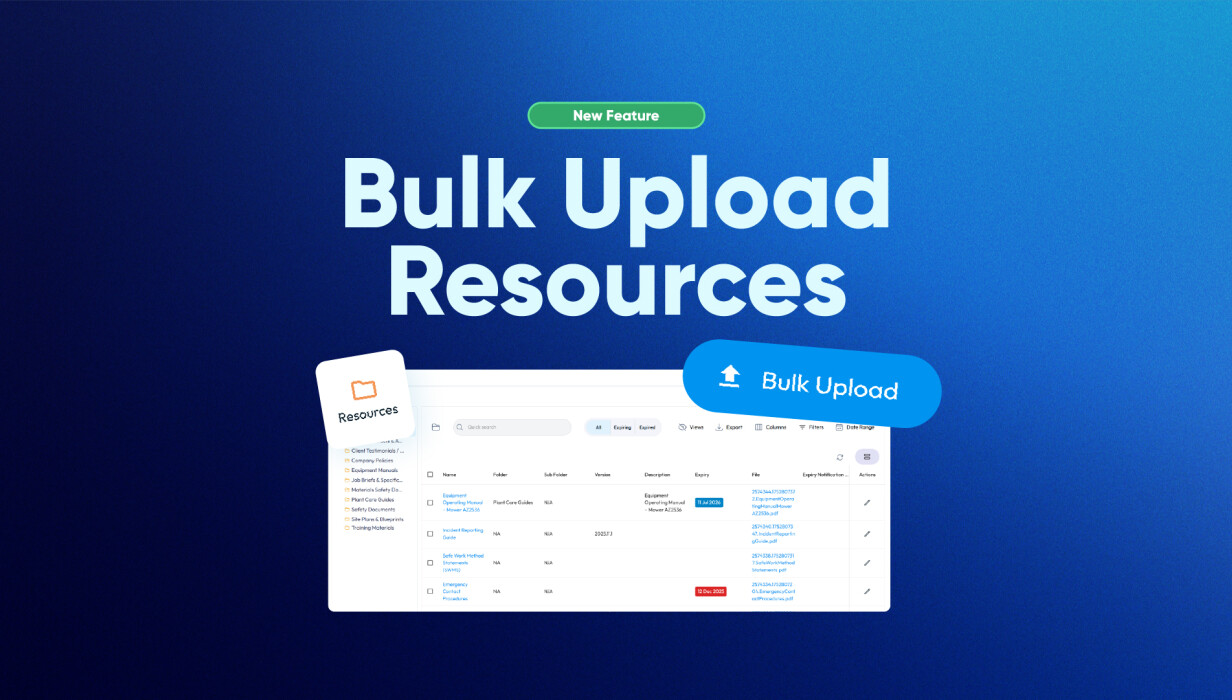
Bulk Upload introduces a faster, more efficient way to manage your resources.
-
Upload multiple resources in one action
-
Apply folders, permissions, and expiry dates during upload
-
Keep resource settings consistent across all files
-
Reduce repetitive setup for each individual resource
This update makes it easier to organise and maintain your resource library from the moment files are added.
How This Solves a Common Problem
Uploading resources one by one can slow down your workflow—especially when dealing with large batches of documents. It also increases the risk of inconsistent settings, such as incorrect permissions or missing expiry dates.
Bulk resource upload removes this friction by allowing you to handle everything in one go. Instead of repeating the same steps multiple times, you can upload and configure resources together, ensuring consistency while saving valuable time.
How Customers Use This in Practice
Bulk Upload is designed for real-world use, particularly for admin and operational teams managing resource libraries.
Common use cases include:
-
Uploading onboarding documents for new staff or clients
-
Adding compliance or safety documents in bulk
-
Updating multiple resources with the same expiry date
-
Organising large batches of files into structured folders
This allows teams to move quickly without compromising on organisation or accuracy.
Why This Matters for Growing Teams
As your business grows, so does the number of resources you need to manage. Handling these individually can create bottlenecks and increase admin overhead.
Bulk resource upload helps teams scale more efficiently by:
-
Reducing time spent on repetitive tasks
-
Maintaining consistency across all resources
-
Making it easier to manage large file libraries
-
Supporting faster onboarding and updates
It’s a simple change that delivers meaningful improvements in day-to-day operations.
Frequently Asked Questions
What is bulk resource upload?
Bulk resource upload allows you to upload multiple files at once instead of adding them individually, while applying shared settings during the process.
Can I upload different file types together?
Yes, you can upload multiple file types in a single bulk upload.
Do all resources share the same settings?
Yes. Resources uploaded together will share the same folders, permissions, version number, expiry date, and authorisations set during upload.
What if I need different settings for each file?
You can either upload those files separately or edit their settings after the bulk upload is complete.
Can I make changes after uploading?
Yes, individual resources can be updated at any time after they’ve been uploaded.
Who benefits most from bulk resource upload?
This feature is especially useful for admin users and teams responsible for managing large volumes of resources.
Conclusion
Bulk resource upload makes managing files faster, easier, and more consistent. By allowing you to upload multiple resources at once and apply key settings in a single step, it reduces manual work and improves efficiency across your workflow.
 Back to Smart Business Hub