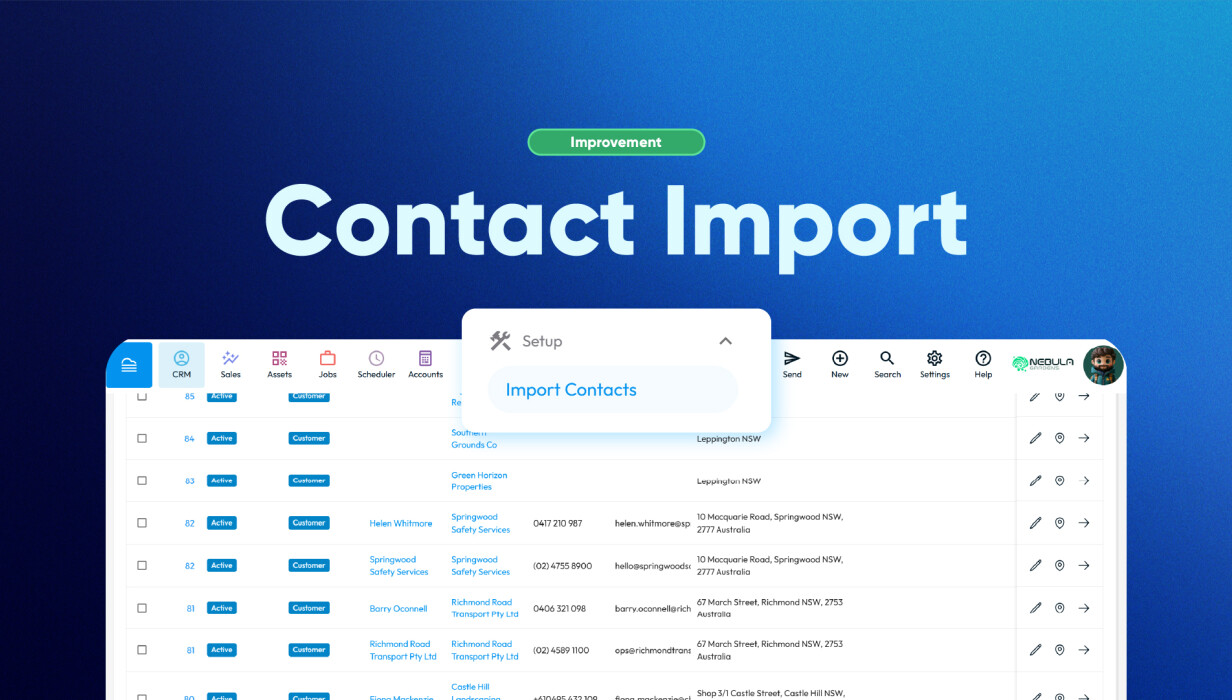
Importing customer data into a new system is slow and error-prone, especially with large spreadsheets or CRM migrations.
The latest Contact Import update in Formitize fixes the worst parts of that process. Column auto-matching is now more accurate, and re-imported data is handled more cleanly, so you spend less time correcting mistakes and don't end up with duplicate records cluttering your database.
If you're an admin or running a growing business, imports should just work. Now they're a lot closer to that
What’s New: Contact Import Improvements
The latest update improves the way contact data is handled during imports, helping users move customer information into Formitize more efficiently.
Users can now:
-
Benefit from improved column auto-matching on the mapping page
-
Reduce manual field selection during imports
-
Improve consistency across imported customer records
-
Spend less time reviewing and correcting imported data
These improvements are especially useful for businesses migrating from another CRM or regularly updating large contact databases.
How Contact Import Improvements Solve a Common Problem
One of the most common frustrations during CRM data migration is discovering issues after the import is complete.
Fields may not map correctly, values can reset unexpectedly, or duplicate information may appear after importing updated spreadsheets. These problems create unnecessary cleanup work and can delay onboarding or day-to-day operations.
The improved contact import process helps reduce these risks by making field matching more accurate and improving the handling of repeated imports.
This creates a more reliable workflow for teams managing customer data at scale.
How Customers Use This in Practice
For many operational and admin teams, importing contacts is not a one-time task.
Businesses regularly:
-
Import customer lists from previous CRM systems
-
Update existing client databases
-
Manage large customer records across multiple teams
With these improvements, users can complete imports faster while reducing the amount of manual review required afterwards.
For new Formitize accounts, this can significantly simplify onboarding and help teams start working sooner with cleaner customer data.
Why This Matters for Growing Teams
As businesses grow, contact databases become larger and more complex.
Even small import issues can create operational delays, duplicate records, or inconsistent customer information across teams.
These contact import improvements help growing businesses:
-
Maintain cleaner customer databases
-
Reduce repetitive admin work
-
Improve consistency across imported records
-
Speed up CRM migration processes
-
Increase confidence when updating customer data
By reducing friction during imports, teams can focus more on daily operations and less on correcting spreadsheets.
Frequently Asked Questions
How do the new contact import improvements work?
The update improves column auto-matching during imports and helps reduce duplicate values when importing contact data into Formitize.
Can this prevent duplicate contacts completely?
The improvements help reduce duplicate values during imports, but results may still depend on how the spreadsheet data is structured and maintained.
Does this help with CRM migration?
Yes. These improvements are especially useful for businesses migrating contacts from another CRM into Formitize.
Do I still need to review my field mappings?
Yes. While the system now provides better auto-matching, reviewing mappings before completing an import is still recommended.
Can I re-import updated spreadsheets safely?
Yes. The update improves how repeated imports are handled, helping reduce issues caused by duplicated values.
Who benefits most from these improvements?
Admin users, operations teams, and businesses onboarding into Formitize will benefit most, particularly when managing large customer databases.
Conclusion
The latest Contact Import improvements make CRM data migration faster, cleaner, and easier to manage.
By improving field auto-matching and reducing duplicate value issues during re-importing, businesses can spend less time troubleshooting imports and more time focusing on customers and operations.
For teams managing growing customer databases, these improvements provide a more reliable and efficient way to move and maintain contact data in Formitize.
 Back to Smart Business Hub