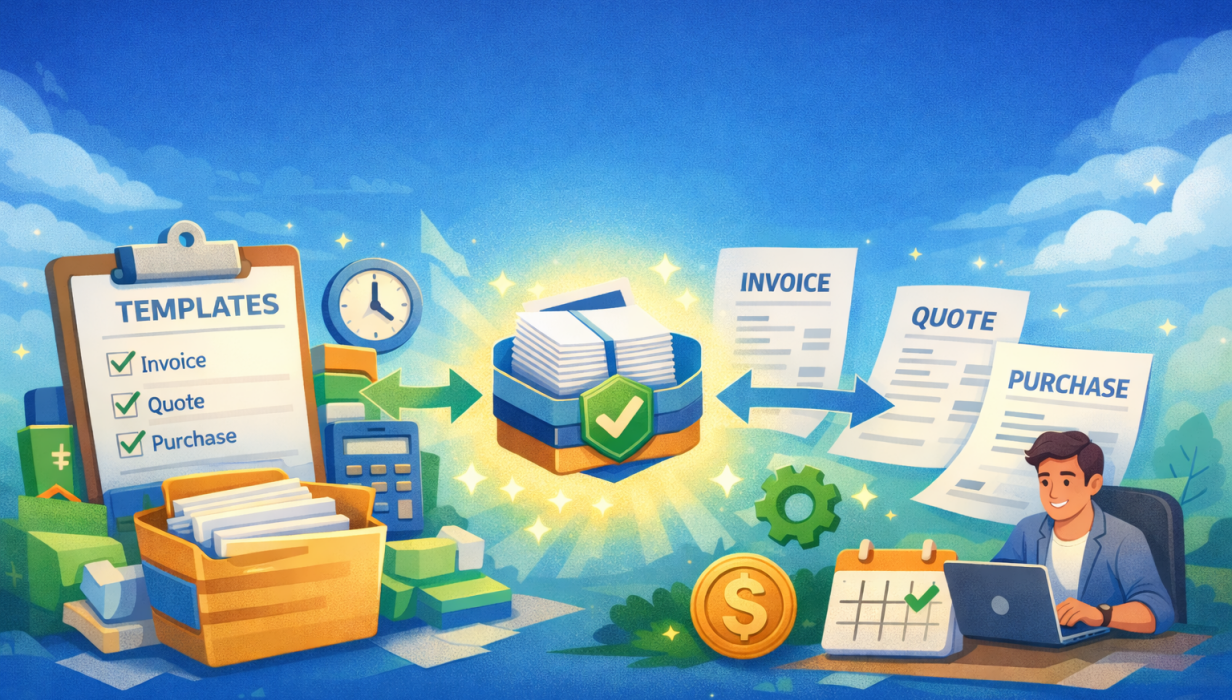
Create once. Reuse forever. Work faster every day.
We’re excited to introduce Accounts Templates — a powerful new feature that helps you work faster, stay consistent, and turn your most common invoices, quotes, and purchases into reusable Bundles or Packages.
If you find yourself creating the same invoices, quotes, or purchases over and over again… this one’s for you.
What are Accounts Templates?
Accounts Templates let you save a real Invoice, Quote, or Purchase as a reusable template — complete with the line items, pricing, tax settings, and other details you use every day.
Think of them as your ready-made packages:
-
Standard service bundles
-
Inspection packages
-
Fixed-price offerings
-
Common supplier purchases
-
Repeat jobs or recurring work
Instead of starting from scratch, you simply choose a template and go.
Turn your work into Bundles & Packages
Once you’ve built an Invoice, Quote, or Purchase the way you like it, you can now:
- Save it as a Template
- Give it a name (e.g. Standard Inspection Package, Annual Compliance Bundle)
- Reuse it instantly whenever you need it
This makes it easy to:
-
Offer consistent pricing
-
Reduce mistakes
-
Help your team quote and invoice with confidence
-
Scale your business without adding admin time
Smart templates that adapt to each job
Not all fields should be reused every time — and that’s where this feature really shines.
When saving a template, you can choose exactly what should be included when the template is reused, such as:
-
Line items
-
Tax type
-
Currency
-
Status
-
Sales person
-
Due date (including smart relative due dates like “+7 days”)
And just as importantly, you can exclude things that should always be unique, like:
-
Order numbers
-
Signatures
-
One-off PDF notes
The result?
Templates that are flexible, safe, and future-proof.
Works across Invoices, Quotes and Purchases
Accounts Templates aren’t limited to just one area — they’re available across:
-
Invoices
-
Quotes
-
Purchases
This means you can standardise:
-
What you sell
-
What you bill
-
What it costs you
All using the same simple, familiar workflow.
How it works (it’s simple)
-
Create an Invoice, Quote, or Purchase as normal
-
Add your line items, pricing, and details
-
Click Save → Save as Template
-
Choose what the template should include
-
Save — and reuse it anytime
No separate setup screens.
No complex configuration.
Just real work, made reusable.
See it in action
Why we built this
We know that the best software:
-
Removes repetition
-
Reduces errors
-
Helps teams work consistently
-
Grows with your business
Accounts Templates are another step toward making Formitize feel less like “software”, and more like a system that understands how your business actually runs.
Available now
Accounts Templates are live now for all customers.
Start creating your first Bundle or Package today and see how much faster your accounts workflow can be.
As always, we’d love your feedback — this feature opens the door to even more smart automation ahead.
Just another way Formitize is making your life easier. Happy templating!
FAQs
What are Accounts Templates?
Accounts Templates let you save an Invoice, Quote, or Purchase and reuse it again later as a Bundle or Package.
Instead of rebuilding the same line items, pricing, and settings every time, you create it once and reuse it whenever you need it.
What can I use Accounts Templates for?
Accounts Templates are ideal for:
-
Standard services or fixed-price jobs
-
Inspection or compliance packages
-
Common quotes you send regularly
-
Repeat supplier purchases
-
Bundled products or services
If you’ve ever thought “I’ve done this exact invoice before” — a template will save you time.
Which areas support Templates?
Templates are available for:
-
Invoices
-
Quotes
-
Purchases
Each type has its own templates, designed specifically for how that document works.
How do I create a Template?
Creating a template is easy:
-
Create an Invoice, Quote, or Purchase as normal
-
Add your line items, pricing, tax, and other details
-
Click Save
-
Select Save as Template
-
Name your template and choose what it should include
That’s it — your template is ready to use.
Why don’t I see a “New Template” button?
Templates are created from real documents, not from a blank setup screen.
This ensures:
-
Templates are realistic
-
Pricing is accurate
-
No duplicate setup screens
-
Less chance of errors
You simply do your work once — then save it as a template.
What information is saved in a Template?
When saving a template, you choose exactly what should be reused.
You can include things like:
-
Line items
-
Tax type
-
Currency
-
Status
-
Sales person
-
Due date (using smart relative dates like +7 days)
And exclude things that should always be unique, such as:
-
Order numbers
-
Signatures
-
One-off notes
This gives you full control and keeps templates safe to reuse.
What is a “Relative Due Date”?
A relative due date means the due date adjusts automatically each time the template is used.
For example:
-
+7 days
-
+14 days
-
+1 month
This ensures your payment terms are always correct — no matter when the template is used.
Can I create Bundles or Packages with Templates?
Yes — this is one of the biggest benefits.
Templates are perfect for creating:
-
Service bundles
-
Inspection packages
-
Fixed-price offerings
-
Standard cost bundles for purchases
Just name your template clearly (e.g. Standard Inspection Package) and reuse it whenever needed.
How do I use a Template?
To use a template:
-
Go to Accounts
-
Click New Invoice, New Quote, or New Purchase
-
Choose a template from the dropdown
-
Review and adjust if needed
-
Save or send as normal
Templates give you a head start — you can still make changes before saving.
Can I edit a Template later?
To keep life simple, you can’t edit templates as such, you simply create a new one exactly as you want it and delete the old one if it no longer applies. Templates can be managed from Manage Templates within each Accounts section.
You can:
-
Create new versions
-
Remove templates you no longer need
(Edits won’t affect documents already created.)
Will changing a Template affect existing Invoices or Quotes?
No.
Templates only apply at the moment you create a new document.
Any Invoice, Quote, or Purchase already created will remain unchanged.
Can my team use Templates?
Yes.
Templates are designed to:
-
Help staff work faster
-
Ensure consistent pricing
-
Reduce mistakes
-
Guide less experienced users
Admins can create templates, and team members can use them when creating documents.
Can I have different Templates for different services?
Absolutely.
You can create as many templates as you like, such as:
-
Residential vs Commercial
-
Basic vs Premium packages
-
Different inspection types
-
Different suppliers or cost structures
Can Templates be used with Jobs?
You can currently create default Invoices as part of a Job Type Template so we dont want to ensure that is maintained. We will be looking to introduce Accounts Templates into Jobs soon.
Why did Formitize build this feature?
We built Accounts Templates to:
-
Eliminate repetitive admin work
-
Reduce errors
-
Help teams stay consistent
-
Support business growth without added complexity
It’s another step toward making Formitize feel like a system that understands how your business works.
Is there a limit to how many Templates I can create?
No practical limits; create as many templates as your business needs.
 Back to Smart Business Hub