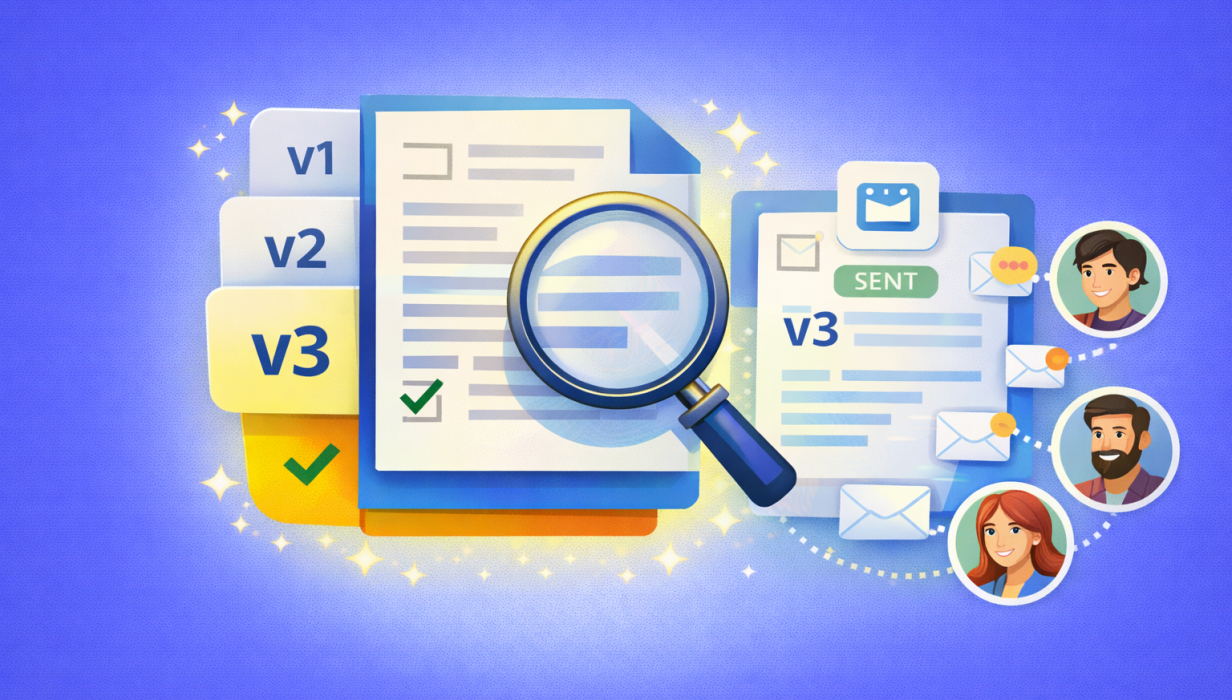
A smarter way to manage updates and avoid mistakes
Accessing older versions of your Resources has never been easier, thanks to our newest update that ensures you can archive and locate older information with the greatest ease.
Over time, Resources naturally change. Policies are updated. Training documents evolve. Safety procedures improve. Forms get refined. Pricing gets adjusted. While old versions may get superseded, they are often useful resources that can be referenced for a range of reasons.
That’s why we’re excited to introduce a powerful new improvement to Resources:
✅ Previous versions of resources are now easily available!
This update gives you the simplest access to your older versions and makes managing updates much easier. Enjoy the benefit of switching between versions with ease, while the clever design allows you to do so without the fear of sharing or updating old versions.
What’s New: Resource Version History
Resources now easily show saved historical versions, meaning:
- The most recent version remains active and easy to access
- Older versions are easy to find
- You can review, reference, or confirm older versions, or switch the current version that you'd like to use
In short: you get visibility and confidence without adding admin work or uncertainty.
Uploading Lots of Documents? Choose Who Gets Notified
Uploading resources is great… until you’re managing expiry notifications and document access.
Sometimes you’re making improvements behind the scenes and don’t want to notify everyone straight away — or overwhelm your team with updates they don’t need yet.
When uploading resources, you can:
✅ Control which user groups receive expiry notifications
✅ Choose which user groups can see each document
This means you can keep documents up to date without unnecessary noise, and roll out changes only to the right people at the right time.
Cleaner updates. Better control. Far less chaos — especially for training organisations, operational teams, and businesses with field staff.
Attachments Always Send the Most Current Version
If you’re using resources in relation to invoices or form attachments, this feature adds another important safeguard:
📌 The most current version is the one that will be sent.
So even if older versions exist, the system automatically ensures the current version is used when — helping you stay consistent and reducing the risk of error.
A Stronger Connection Between Your Entries and Your Documents
This update isn’t just about storing “old files in a folder.”
It works as a true versioned connection to each resource:
✅ All versions are saved within each separate Resource entry
So instead of scattered duplicates, you have:
-
One Resource
-
With multiple versions inside it
-
All linked to the same record
This keeps your resource management organised and structured, even as your operations scale.
Why This Matters (And Why You’ll Love It)
This release is a big win for teams who want to move fast, without losing control.
You’ll benefit most if your business or organisation:
-
Regularly updates procedures, policies, templates, or training materials
-
Has multiple people uploading or managing resources
-
Sends documents externally (invoices, customer communication, compliance packs)
-
Needs audit-style visibility into changes and updates
-
Uploads resources in bulk and wants to control notifications
FAQ: Resource Versions
Can I access previous versions of a Resource?
Yes, previous versions are easily accessible and stored in a dedicated place so they can be viewed when needed.
Will my team accidentally send an outdated file?
The older documents are stored separately, so you don’t need to worry about accidentally sending or amending an old version.
What happens if a Resource is linked to invoices?
When sending invoices, the most current version of the Resource will be sent automatically.
Are versions stored separately or linked to the Resource itself?
Versions are linked to the Resource entry; all versions are saved on each separate entry, meaning everything stays organised and connected.
What happens if a Resource is linked to an email template or form action?
When using resource documents in things like invoices and form actions, the most current version of the Resource will be sent automatically.
 Back to Smart Business Hub